Too many taps in the rush
When the queue grows, every extra step between product and payment is felt – by staff and guests.
MODR is made for when it is busiest. Take the order, send it to the kitchen, split the bill and get paid – in one view, with large buttons and no digging through menus.
Free and without commitment. We onboard a few venues at a time.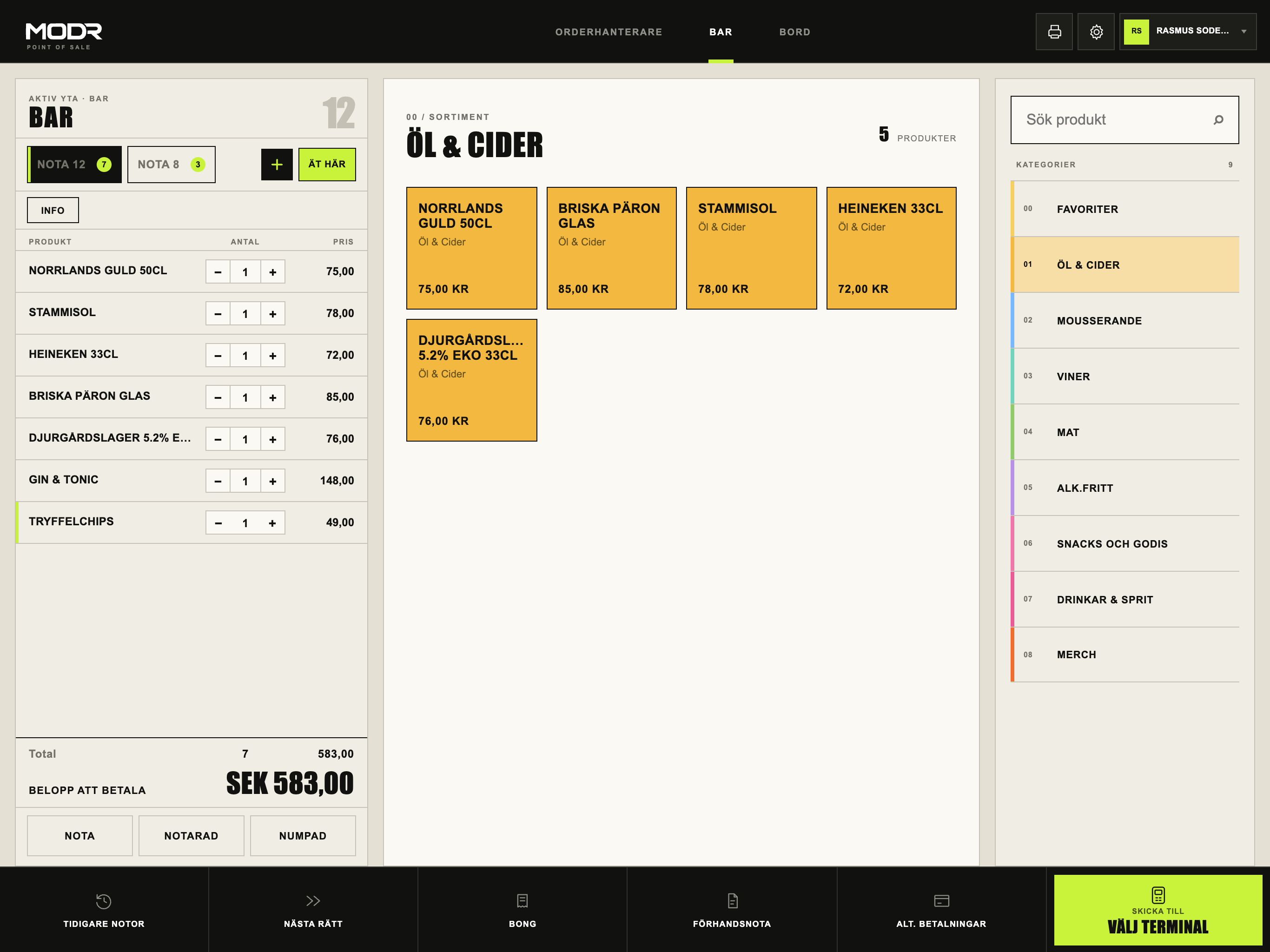
When the queue grows, every extra step between product and payment is felt – by staff and guests.
The party wants to pay separately, someone has already paid part of it and the rest goes on the table. It should not take five minutes.
Z reports are copied into the accounts by hand, and mistakes surface at month end.
Active check, products and payment on one screen. Switch between bar and table service without changing screens.
Several payers, partial payments and card terminal – with clear status of what remains.
Send orders to the right station and printer, with courses and messages to the kitchen.
The day's Z is booked automatically in Fortnox with a PDF attached. SIE4 is still available for your accountant.
Change products, prices and permissions in MODR Cloud and publish to the POS when it suits you.
Order queue and stations in the kitchen, alongside ticket printers.
We are clear about what is live and what is being verified in pilot. See current status →
Ett kassabyte känns större än det är. Med rätt ordning går det att byta mellan två servicedagar. Checklistan gäller oavsett vilket system ni väljer.
A few lines about your venue is enough. It is free and without commitment.
We show MODR in your type of service and answer how it would work for you.
We will contact you personally when we can onboard more restaurants and bars.
Joining the list and seeing a demo is free. You will get pricing for getting started before you decide.
Yes. Mention your current system in your enquiry and we will walk through what switching involves, including menus and bookkeeping.
Yes. Bar mode and the simplified POS are built for short queues and few taps per purchase.
MODR runs on iPad with an integrated card terminal and receipt and kitchen printers. We will review what you can reuse together.