Sales, open checks and exceptions in one prioritised view.
Product
One system for the whole house.
MODR unifies what usually splinters: floor selling, Cloud control, and payments on one track.
Product views
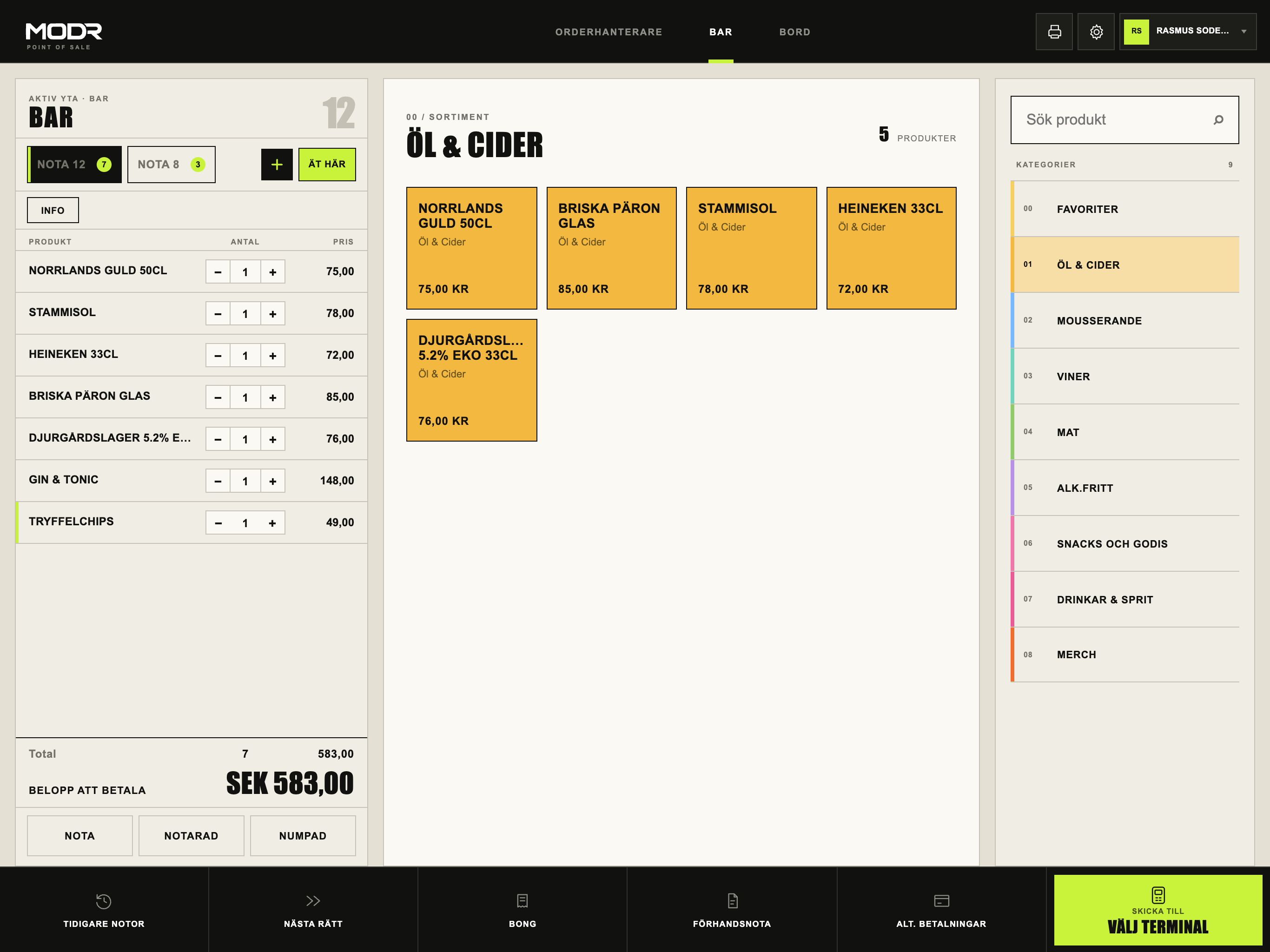
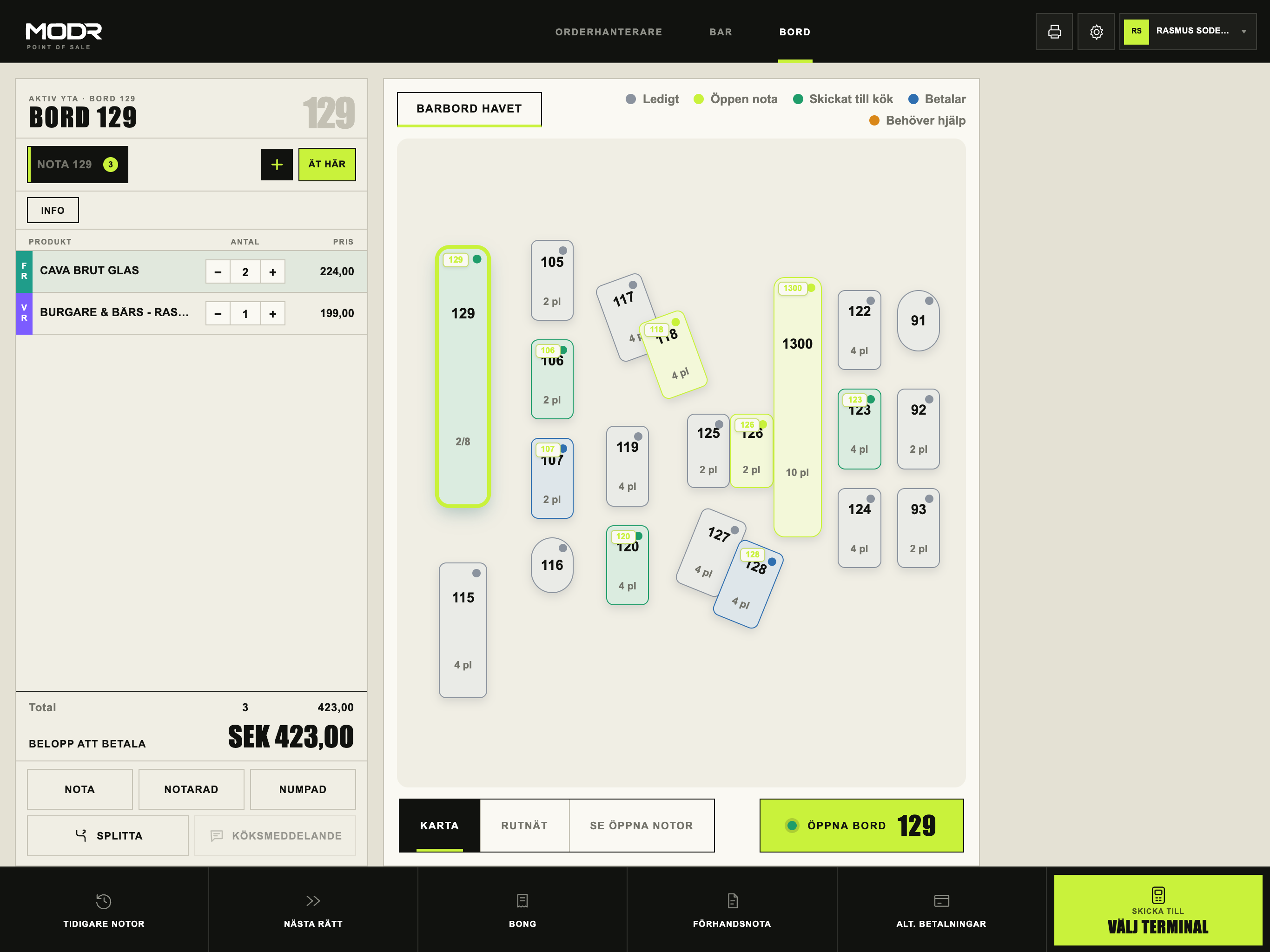
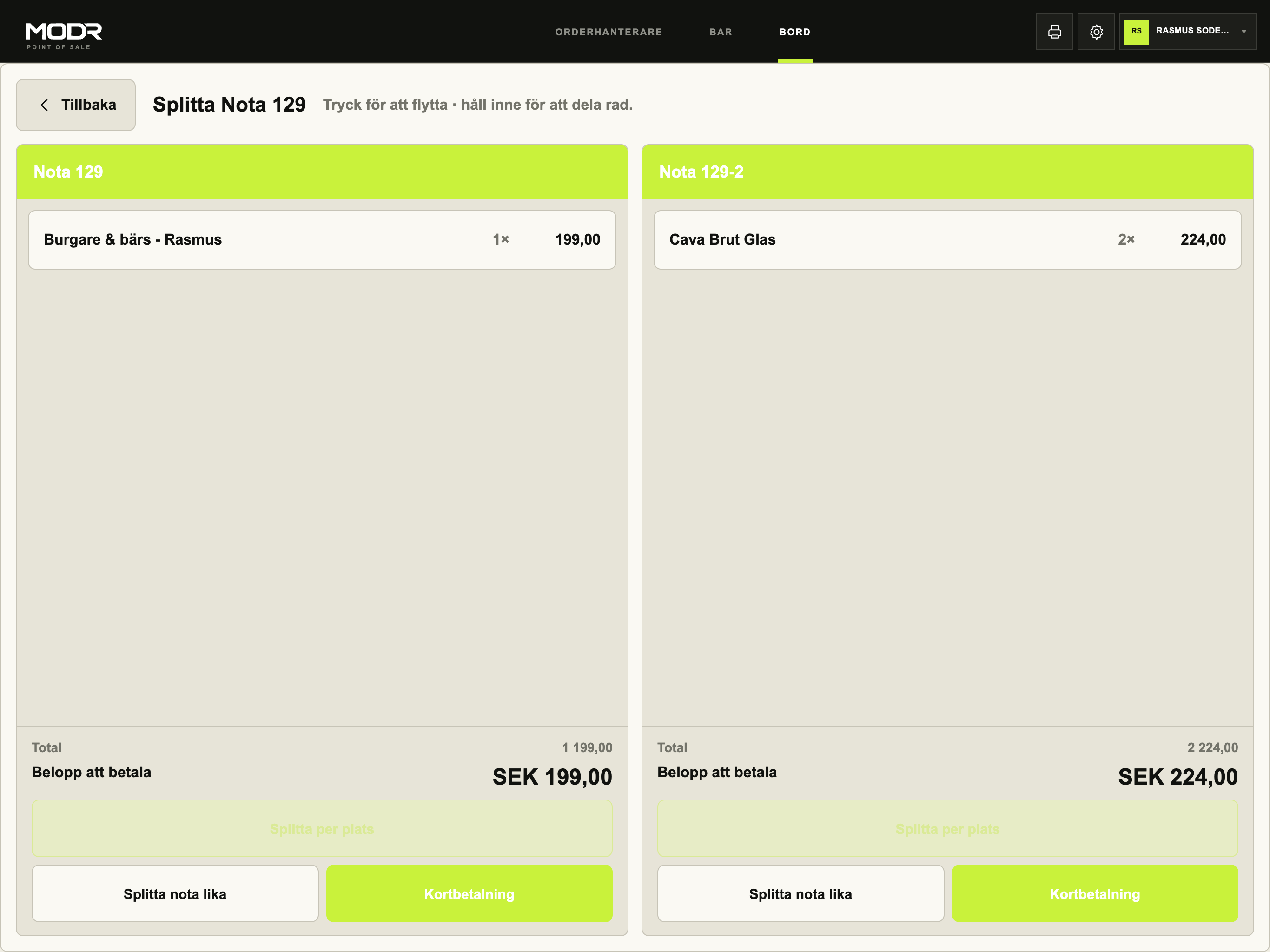
Three views from the same POS.
MODR Ask · Early access
Ask operations. Build the menu. Get the next step prepared.
Ask in Cloud covers the full chain: operations brief, reconciliation, troubleshooting, POS layout, price simulation and menu builder — including creating products from an image, file or instruction. Everything as drafts within the same permissions as the user.
- Six workflows in one view — pick one or ask freely
- Menu builder: products, categories and POS layout from image, PDF or text
- Suggestions and drafts — never automatic publishing
Explains verified differences between sales, payments and recovery.
Ranks products from verified sales — as a draft, never auto-published.
Open checks, failed payments and what needs action, with links to the right view.
Shows the effect of a pricing or layout scenario with assumptions stated clearly.
An image, PDF, text or URL becomes products, categories and a POS layout in a reviewable draft.
MODR POS
Touch-first selling for iPad. Products, tables, checks, orders and payments in a workspace built for peak service.
Service workflows
Bar, table and order handling share the same check, menu and payment status in the main POS — without parallel workflows.
MODR Cloud
Back office for menus, pricing, staff, devices, access, reporting and multi-site operations.
MODR Ask
Ask operations in Cloud. Operations brief, reconciliation, troubleshooting, POS layout, price simulation and menu builder — products from image, file or instruction, always as a reviewable draft.
Payments
Orders, payment status, receipts and reconciliation stay connected to reduce manual gaps between service and finance.
Guest journeys
QR, digital checks and guest payment can connect to the same order flow instead of becoming a parallel system.
Open platform
Integrations are prioritised per pilot and labelled live, in testing or planned. Availability may differ between pilots.
Early access / pilot
Features are enabled according to each operator's pilot plan. MODR is not yet self-service, and an application is not a promise of general availability.